Website a mess? Host holding you to ransom? Traffic but no leads? Read this.
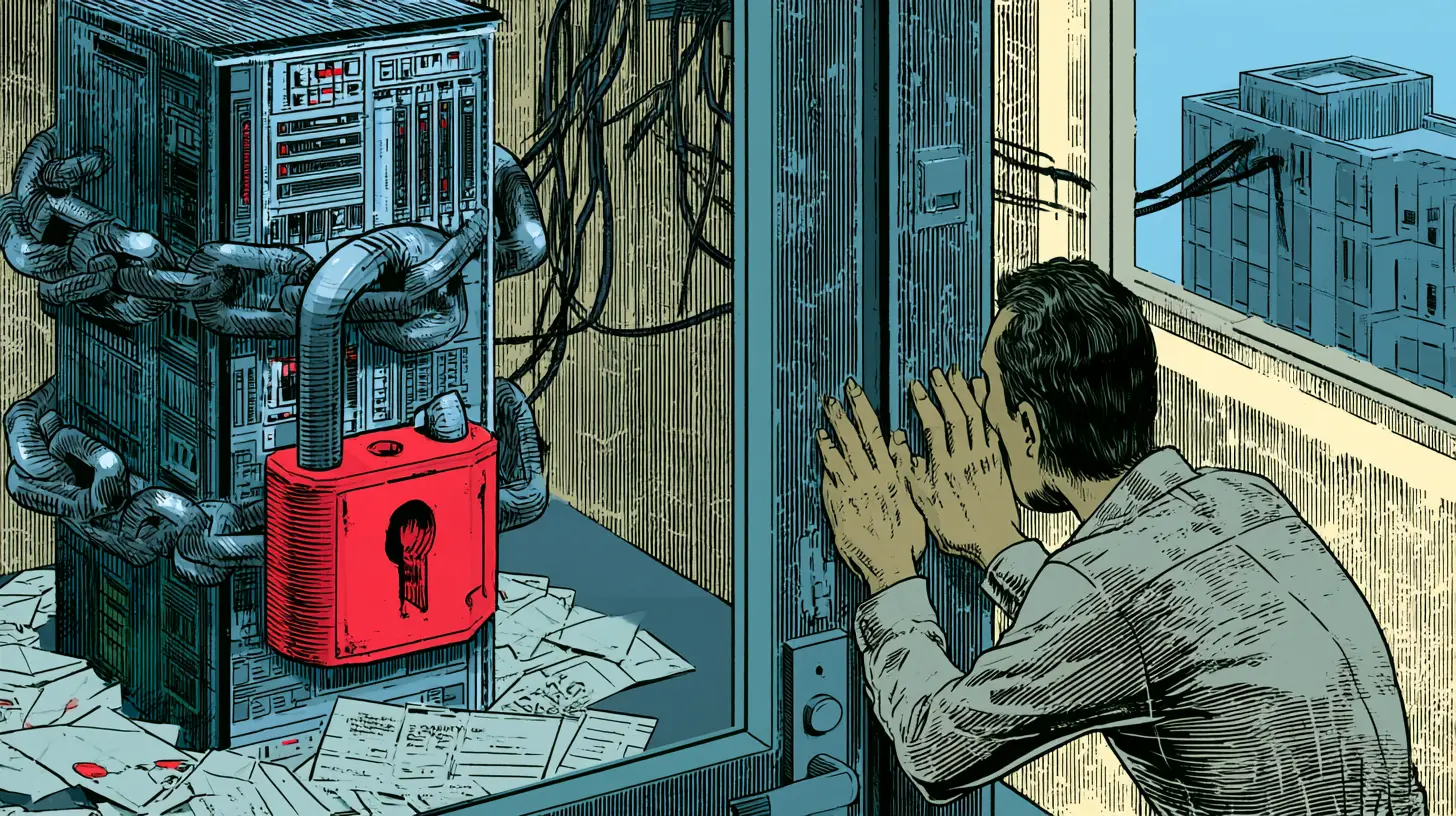
When a business asks me to take over their website from another developer or agency, I tend to find the same handful of problems. The industry barely matters. A trade business, a clinic, a shop or a professional service: the website is usually a few years old, someone else set it up, and the owner has been paying a monthly fee in good faith.
On paper these sites often look busy. Plenty of pages, a monthly ranking report, analytics full of visitors. What’s often missing are enquiries. Actual leads. And the moment they ask to move their website, they find out how little of it they control.
Think of it like buying a ute that comes with a mechanic who keeps the only key. It looks great in the driveway. Then you want a second opinion and discover you can’t open the bonnet, the service book is in his name, and the odometer has been counting the neighbour’s car miles as well.
Not every site has all seven problems below. The worst ones have nearly all of them. Here’s what to look for on your website.
The short version is a 20-minute check
If you only do one thing after reading this, do these. You don’t need to be technical; you need to know who owns what.
- Send yourself an enquiry through your own website form, then check it arrived in your inbox. Not your developer’s. Yours.
- Look up who your domain is registered to. It should be your business, not your web person.
- Find out where your DNS lives. That’s the address book that tells the internet where your website and email are. If it sits on your developer’s server, closing that server could take your email down with it.
- Log into your website yourself, with your own login and your own email address on it.
- Check you’re an owner of your Google Business Profile, Search Console and Analytics, not just a viewer.
- Ask your developer one question: how many enquiries did the website send me last month, and how do you know?
- Read your ranking report for the line that counts: phone calls and enquiries. If it isn’t there, the report is measuring the wrong thing.
The seven red flags
1. The contact form doesn’t send to you
This is the one that matters most, so it goes first. It’s so common.
I was once asked to SEO a bridal shop. I saw the raffic. Hundreds of thousands of human (not bot) visits. But I couldn’t find their eamil on the site. Their contact form had “Please do not contact us unless you want to try on a dress” (written in red). Goodbye leads.
If your form looks normal. Fill it in and hit Send. You should at least see a polite “thanks for your enquiry” message. On a good day, you will be taken to a thank you page.
At the back end, I’ve found forms with no recipient set at all, so every enquiry goes nowhere. I’ve also found a hidden script in the footer that grabs each submission and sends it to the agency’s own system first, or a thank-you email coming from the agency’s address. Every email link on the site quietly copies the host / developer’s company in too.
Maybe those enquiries get passed on. Maybe it’s part of a package someone agreed to years ago. Either way, the business can’t see them, can’t count them, and won’t keep them if it leaves.
The lesson: test your form every month, and make sure enquiries land in an inbox you own. I update WordPress monthly and some of those updates can cause conflicts or email delivery issues.
If you can’t say how many enquiries your site sent last month, start there. More on that in Why isn’t my website getting any enquiries?
2. The domain is yours. The DNS isn’t.
Most owners have at least checked that the domain name is in their business name. Far fewer know where its DNS runs.
It’s common for the DNS to sit on the developer’s own web server, often with both “nameservers” pointing at the same machine as the website. The day that server is switched off, the internet loses the address book for your domain, and your email stops arriving, even if the email itself is with Google or Microsoft.
That’s what makes a move feel like a hostage situation. It can certainly look like that from my position (as your new developer). You can’t leave without risking your email, so you don’t leave. Easier, right?
No. If your server has the keys, they’ve not been playing ball. Unless you agreed to it.
On a takeover, the DNS is the first thing I move.
The lesson: know where your DNS lives, and move it before you cancel anything. My checklist for when your web developer closes your hosting walks through it in order.
3. Someone else has the keys
- One admin login for the whole website, and the email address on it isn’t the business’s.
- Website, hosting and email passwords sent in a plain email, sometimes variations of the same password.
- Every security alert (new logins, password changes, file changes) going to the developer, not the owner.
- Old logins still working long after the relationship has ended.
The lesson: have your own named login, and make sure the alerts come to you. Your developer can have access too. But it’s your front door.
4. “Up to date” isn’t
A dashboard that says “Updates: Up to date” is one of the most common things I see that isn’t true. Sometimes updates have been switched off at the server so nobody can install them. With WordPress, a lot of agencies switch features off that were originally free. WordPress falls behind on security releases, plugins pile up waiting, and the site runs on a version of PHP that stopped getting security fixes years ago.
Locking updates down isn’t sinister in itself. Some developers do it so clients can’t break things. But if updates are locked, someone has to actually do them.
The lesson: ask what version of PHP and WordPress your site runs, and when it was last updated. Here’s what happens if you ignore WordPress maintenance.
5. The traffic is mostly bots
The analytics look healthy. Then I read the server logs.
- It’s surprisingly common for a single automated tool to make up a big share of a small site’s traffic. I’ve seen one account for close to half of everything the server handled, loading the homepage hundreds of times a minute.
- Some of them pretend to be Googlebot (why?). They aren’t.
- They show up in Google Analytics as “visitors”, usually from a city the business has never worked in, and they slow the site down for real customers.
- Meanwhile, the number of enquiries recorded is often zero. Not low. Zero, because nobody ever set up form submissions or phone taps to be measured.
The lesson: visitors aren’t customers. Measure calls and forms, and if your top city is somewhere you don’t work, ask why.
6. Dozens of pages nobody visits
A favourite trick is the “suburb page”: “Cleaner in [suburb]”, “Dentist in [suburb]”, the same text with the name swapped, sometimes close to a hundred of them. Often they cover suburbs the business doesn’t service, and promise things it doesn’t do, like 24/7 call-outs from a business that closes on weekends.
When I check, those pages typically bring in a handful of visits a month between them. And the ranking report that goes with them tracks hundreds of keyword-and-suburb combinations, most of which don’t rank at all.
Google has a name for these (doorway pages) and it doesn’t like them. They make a site look bigger in a report and do nothing for your phone.
The lesson: one genuinely useful page per service beats a hundred copies of the same page. A ranking report isn’t a result. Enquiries are.
7. The basics haven’t been done
- Every page title ends with the same long string of keywords, because they were typed into the site’s name.
- There’s no privacy policy, which Google Ads requires before it’ll run your ads.
- Page caching is switched off, so every visit makes the server rebuild every page from scratch.
- The Google Business Profile, often the one channel that actually brings people in, has no recent posts, photos or review requests.
What I do first on a takeover
None of it is clever. It’s mostly unglamorous. In this order:
- Back everything up and move the site to hosting the business controls.
- Move the DNS first, so email keeps working whatever happens to the old server.
- Fix the forms so every enquiry goes straight to the business’s own inbox, with a copy stored on the website.
- Clear out the old access: hidden code, the previous supplier’s tracking and old logins. Each person gets their own login, two-factor authentication goes on, and every alert points to the owner.
- Bring everything up to date: WordPress, plugins and a supported version of PHP. Then switch caching back on.
- Block the bots at the server and in the firewall, so the analytics and the server load reflect real people.
- Start measuring the right thing: form submissions and phone taps, not just visitors.
- Replace the copy-paste pages with one strong page per service, redirecting the old addresses so nothing breaks.
The first five usually take about a week. After that, the SEO work you’ve probably been paying for all along can finally build on something solid.
The honest part
Most developers and agencies aren’t villains, and lock-in is rarely a grand plan. It usually creeps in through convenience. Having the hosting, the DNS, the forms, the tracking and the reports all in one place is easy for everyone, right up until you want to leave. And if your phone isn’t ringing or the leads aren’t coming in – leave!
By then a business may have spent months paying for SEO on a site where the enquiries went somewhere it couldn’t see, and the visitor numbers were counting a bot (one set up speifically to inflate your traffic reports).
You don’t need to know how to fix any of this. You need to know who owns it and where your enquiries go. Ask those two questions now, while everything is friendly, not on the day you’re trying to leave.
If you’re weighing up where to spend money next, fix this first. Paying for Google Ads or SEO on a site that can’t deliver an enquiry to you is just paying for traffic.
Not sure what you’ve got? Send me your website address and I’ll tell you, free, where your domain, DNS and email sit, whose name they’re in, and where your contact form actually sends. It takes me about 15 minutes, and you’ll know whether you’ve got a problem or not. Or call me on 0417 0417 43.
If you’d rather someone just looked after it, that’s what my Hosting, Security & Maintenance Plans are for. Everything stays in your name.