Should You Let AI Build Your Website? An Honest Answer From Someone Who Uses AI Daily
Web Design & AI
Clients keep asking me a question they clearly expect me to dodge: “Couldn’t I just get AI to build my website?”
They expect a defensive answer, because I’m a web developer and AI is supposedly coming for my lunch. But I use AI every single working day. I use AI for code, for research (on this article for example), for first drafts. I’m not going to pretend it doesn’t work. Here’s my honest answer:
Yes, AI can build you a website. It will probably even look good. But there’s a decent chance it will quietly fail at the one job a business website exists to do.
Let me explain why, without jargon, and without pretending my industry is magic.
The car engine problem
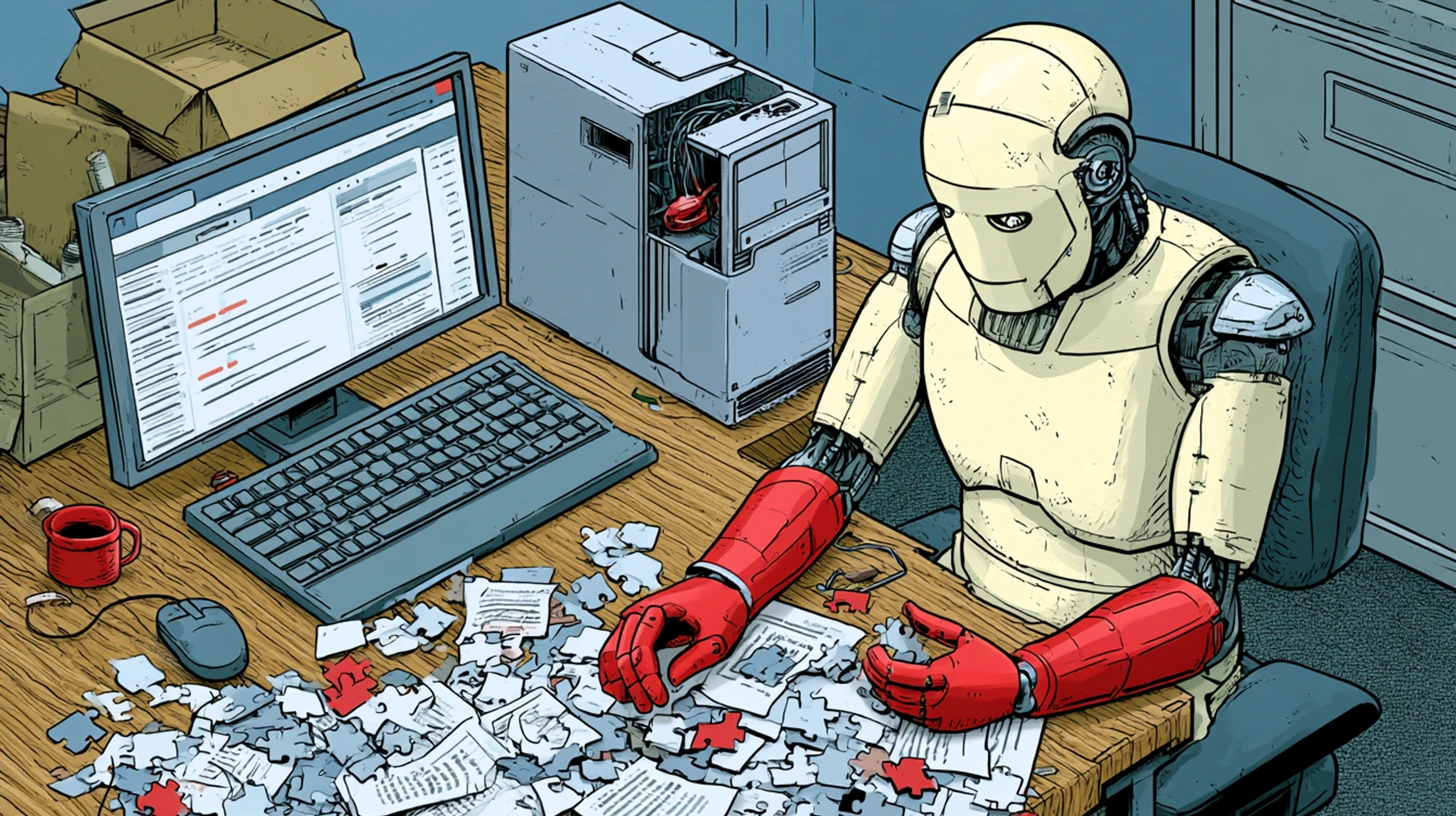
Imagine a robot mechanic that will hand you any engine part you name, instantly, free, and even bolt it in for you. Sounds like the end of mechanics, right?
Except: which part do you ask for? The robot doesn’t know your car. It doesn’t know the ticking noise started after the last service, or that this model has a known gearbox fault, or that the part it just bolted in was designed for a different engine entirely — it fits the bolt holes, so in it went. The car starts. It drives out of the garage. Three weeks later it stops on the freeway, and now you’re paying a human mechanic to work out what a robot did, which costs more than doing it properly would have.
That is exactly where AI website builders sit in 2026. The problem was never getting the parts. The problem is that you don’t know which questions to ask — and AI only answers the questions it’s given.
The questions that you didn’t know existed
Here are three things that go wrong constantly with AI-built small business websites. Not hypothetically. These are the jobs that land on my desk.
1. The contact form that sends email into the void
AI will build you a beautiful contact form in about eight seconds. What it won’t tell you is that a form and a working form are two different products.
For that form’s messages to actually arrive in your inbox, your domain needs correctly configured email authentication records — SPF, DKIM and DMARC. These are DNS settings that tell the world’s mail servers your website is allowed to send email on your behalf. Without them, Gmail and Outlook increasingly don’t put your enquiries in spam — they silently discard them. You get nothing. No error, no bounce, no clue.
The cruel part: the form looks like it works. The visitor sees “Thanks, we’ll be in touch!” You see silence, and conclude your website “doesn’t generate enquiries.” I’ve seen businesses lose months of leads this way. The website wasn’t the problem. Three missing DNS records were.
As Google and Microsoft Outlook (and others such as Proton mail) age, they update more and more, sometimes in the pursuit of destroying spam. They are not always 100% right with their spam filters, but constant minor improvements and additions and checks mean that it is becoming more difficult to prove that a human (or a website form) sent the mail. In recent months, and partially because of AI, such updates and upgrades have meant that some clients don’t get their email. What was once a 10 minute form set up now takes a good hour to check. As additional insurance, I also add a mail catcher at the backend (of WordPress websites) – just in case the 1 in 100 leads falls into the SPAM or rejected server issue.
2. The styling that’s held together with borrowed parts
Ask AI for a website and it will reach for whatever CSS framework it saw most in training — Bootstrap here, Tailwind there, sometimes both in the same page, sometimes classes from a library that was never actually loaded. The page renders fine on the AI’s preview. Then you install it on real hosting, or add a WordPress plugin, and things subtly break: buttons lose their shape, spacing collapses on mobile, the menu overlaps the logo on your wife’s iPhone but not yours.
A professional picks one system, loads only what’s needed, and knows why each rule exists. That’s not gatekeeping — it’s the difference between a wiring loom and a glovebox full of loose wires. Both conduct electricity. Only one is safe to build on. It also matters for speed: an AI build will happily ship an entire 300-kilobyte framework so one button can have rounded corners, and page speed is something both Google and your visitors judge you on.
3. The call to action that doesn’t call anyone to act
This is the quiet one. AI will put a button on your page that says “Learn More,” because that’s the statistically average button. But a call to action that actually converts is a small engineering discipline of its own:
- One primary action per page,
not five competing buttons. Every extra choice measurably reduces the chance a visitor takes any of them. - Specific, first-person wording
“Get my free SEO check” outperforms “Submit” every time it’s tested. - Visible without scrolling, and repeated
at natural decision points down the page. - Genuine contrast
the button colour must be reserved for action, not decoration. - Thumb-sized tap targets and a tap-to-call number on mobile
where most local searches happen.
None of this is secret knowledge. But you have to know it exists to ask for it, and AI won’t volunteer it. It gives you the average of the internet, and the average website converts terribly.
And the things nobody mentions at all
Beyond those three, there’s a list of questions an AI builder will never raise unprompted, each of which has ended badly for someone I’ve met: What happens to your Google rankings when the new site replaces the old one? (If old page addresses aren’t individually redirected, your traffic can fall off a cliff.) Who updates the software before a security hole is exploited? Where are the backups? Are the images sized properly, or is the homepage hero image 8MB (or worse – a self-hosted video)? Does the site show your real name, real face, and real trust signals? The things visitors and AI search engines increasingly use to decide whether you’re genuine.
Here’s the fair part of the answer: if you’re building a hobby site, testing a business idea before it exists, or you genuinely enjoy troubleshooting technical problems at 10pm — use AI and go for it. You’ll learn a lot, and the stakes are low. My warning is specifically for a business website that needs to bring in customers, where a silent failure costs real money for months before anyone notices it.
Why I’m the hybrid, not the holdout
The web design market is splitting into two camps: people who pretend AI changes nothing, and people selling AI as though judgment no longer matters. I think both are wrong, and I’ve deliberately built Geoffrey Digital in the gap between them.
I use AI daily because it makes me faster and lets me test more ideas for the same fixed quote — you get more website for your money than you would have three years ago, and I’ll say that plainly. But every line it produces passes through thirty years of knowing what breaks, what converts, and which questions to ask before bolting the part in. The AI supplies parts. I’m still the mechanic who knows your car.
I’ve been teaching all of this at WA universities over the last 3 years. I finished teaching and returned to website design and development only recently. I use AI to prototype websites, with a focus on lead generation. Even before I prototype, I use AI to research local competition in industries and give me a heads up on how a website might look before I start building or selecting a CSS library (a library of look and feel widgets).
That combination is also, quietly, what customers now want. People have become good at smelling fully machine-made websites and content; generic, polished, saying nothing And they’re rewarding businesses that feel like a real person is behind them. (I wrote more about that idea in The Perfect Website in 2026 is a Person.) A website built by AI alone tends to look like every other website built by AI alone. That’s not a technical failure. It’s a trust failure, and trust is the whole game.
So — should you let AI build your website?
Let it build a draft. Let it teach you what’s possible. But before a business puts an AI-built site in front of paying customers, someone who knows the questions needs to check the engine: the email authentication, the redirects, the speed, the calls to action, the security, the trust signals. Whether that someone is me or another qualified developer, please make it someone — because the failures on this list are the silent kind, and silence is expensive.
If you’re weighing this up, my article on what a website actually costs in 2026 is the honest companion piece to this one.
Already have an AI-built (or any) website? Find out what’s silently broken.
My free SEO site check looks at the things this article describes — the parts you can’t see from the driver’s seat. No sign-up hoops, no hard sell, and if everything’s fine I’ll tell you so.
Or if you’d rather have it built properly the first time: website design by Geoffrey Digital — made in WA, no outsourcing, fixed quotes.